Official Rhode Island Hunter Safety Course Online


Take this Rhode Island–approved course to complete your online hunter safety education. Hunter-ed.com is a delegated provider for the Rhode Island Division of Fish & Wildlife.
unlimited exam attempts
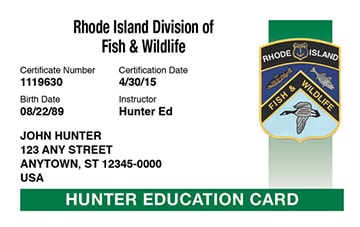
Lifetime Card
Do you need Rhode Island Hunting education?
You need education and must possess a Rhode Island Hunter Education Course Card to hunt in Rhode Island.
How to Get your Hunter Education Certificate in 4 Easy Steps
Step 1

est. 2–3 mins
Sign Up
Sign up for a Hunter Ed account, pay for the official course, and get started. It only takes a few minutes.
Step 2

est. 3–4 hrs
Study & Pass the Online Course
Take the course on desktop, tablet or mobile. We automatically save your progress so you can learn at your own pace.
Step 3

est. 30-60 mins
Complete Additional State Requirements
Before obtaining your certification and hitting the field, you'll need to complete your states in-person requirements.
Step 4

est. 0 mins
Go Hunting!
That's it. You're ready to buy your tag and hit the field.
Rhode Island Division of Fish & Wildlife Requirements
There is no minimum age requirement to take this online course.
You must be a resident of Rhode Island to take the online course.
After This Course
After passing the online course, you are required to attend the In-Person Exam to complete your hunting safety certification.
What to Expect From Hunter Ed
Live‐Action, High‐Definition Videos
Our course videos feature a combination of professional educators (who double as professional actors), entertaining storylines, and up‐to‐date scenarios that give you one of the most effective ways to learn safe hunting practices.
Watch this 73-second sample to see how we put you in the hunter’s camo.
Comprehensive Instruction in Rhode Island Hunting Safety Education
This official training program is developed to meet the standards for Hunting safety education established by Rhode Island. Hunter Ed is the only safety course provider that develops print materials on behalf of government agencies responsible for Hunting laws and regulations.
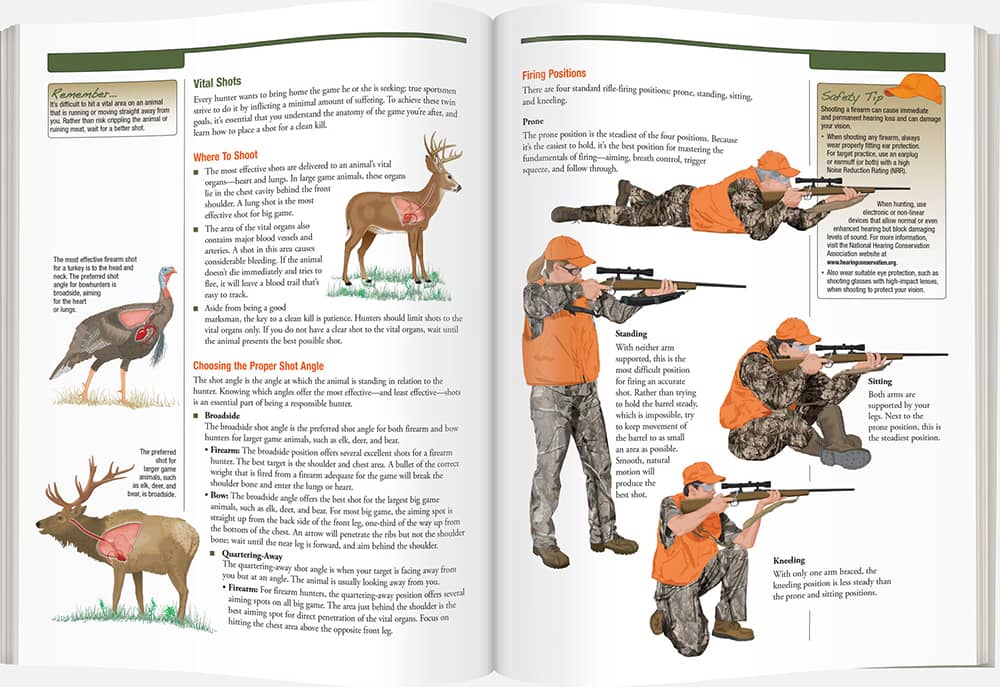
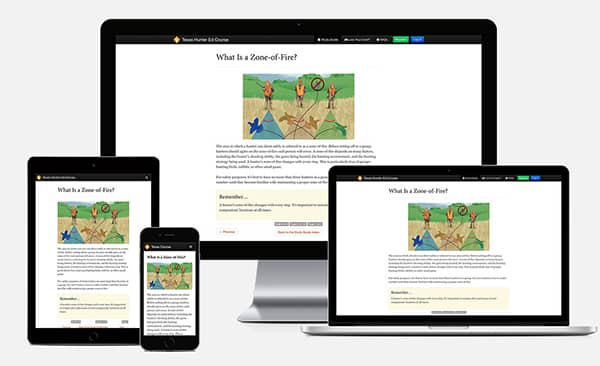
Learn Your Way on Any Device
Hunter Ed offers online courses that are fully mobile-friendly from start to finish. This safety course is designed to work on your smartphone, tablet, laptop, or desktop computer.
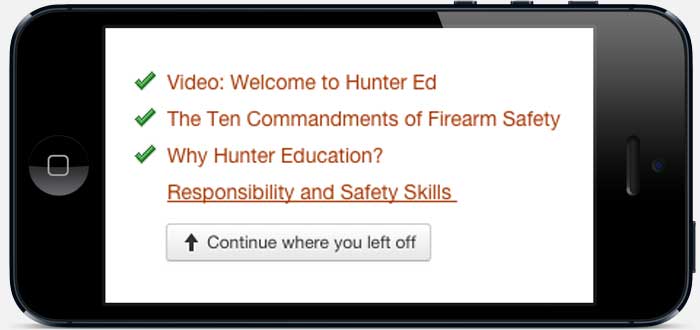
Saved Progress
You may complete the course at your own pace. The course can be completed in one sitting or a little at a time over several days. Log in and out at any time, and we'll keep track of your progress. Most students finish the course in a few hours.
Rhode Island Approved
Rhode Island Division of Fish & Wildlife
1B Camp E-Hun-Tee Place
Exeter, RI 02822
Made in the U.S.A.
This Rhode Island hunter safety course is proudly made to serve students, agencies, and organizations in the state of Rhode Island and worldwide.
How do I get my Rhode Island Hunter Education Certificate?
1. Study and pass the Rhode Island Division of Fish & Wildlife–Approved online course.
Study and pass the $24.95 course. Throughout the Rhode Island Hunter Ed Course, you’ll be tested on what you’ve learned.
2. Sign up for and attend the In-Person Exam.
Immediately print out your Written Exam Voucher, which you will need to bring with you to the In-Person Exam. The Written Exam Voucher is good for 365 days. You need to locate and sign up for the In-Person Exam. To sign up, go to https://dem.ri.gov/natural-resources-bureau/fish-wildlife/outreach-education/hunter-education/about-person-testing.
Remember: Passing the online course does not guarantee you a spot at the In-Person Exam.
3. Get your Rhode Island Hunter Education Certificate.
You’ll receive your permanent Hunter Education Certificate after successfully completing the In-Person Exam. The Hunter Education Certificate will be mailed to you.
Get Started

Hunt More Strategically
The HuntWise app combines pinpoint mapping features with accurate weather forecasting to provide hunters with the ideal tool to determine the best times and places to hunt all major North American game species. Complete your Hunter's Ed certification and you can get 50% off everything HuntWise PRO has to offer.
You can take advantage of this offer during checkout.


Get protected by a leader in ATV insurance
Your homeowners policy won’t cover your ATV if you ride off property. That’s why Progressive offers ATV insurance, so you can roam worry-free. Getting this coverage is a smart decision, one that can help you cover costs if you get in an accident. And keep you exploring for years to come. Insure Your Passion®.
Get a Quote
Rhode Island Frequently Asked Questions
Price and Payment
How much does the Rhode Island Hunter Ed Course cost?
The Rhode Island Hunter Ed Course fee is $24.95.
Taking the Course
Do you need Rhode Island Hunting education?
You need education and must possess a Rhode Island Hunter Education Course Card to hunt in Rhode Island.
What is the minimum age to take this online course?
There is no minimum age requirement to take this online course.
Do I have to be a resident to take the Rhode Island Hunter Ed Course?
You must be a resident of Rhode Island to take the online course.
Course Approval and Acceptance
Is the Rhode Island Hunter Ed Course approved by the Rhode Island Division of Fish & Wildlife?
The Rhode Island Hunter Ed Course is approved and accepted by the Rhode Island Division of Fish & Wildlife.
Is my Rhode Island Hunter Education Certificate accepted elsewhere?
All U.S. states, provinces, and other countries that have mandatory hunter education requirements will accept the Rhode Island Hunter Education Certificate. Likewise, Rhode Island will accept Hunter Education certifications that are issued by other jurisdictions that meet official IHEA-USA requirements. (This is known as “reciprocity.”)
Quizzes and/or Exams
I failed a unit quiz. Have I failed the course?
If you fail a unit quiz, you can take it again until you pass. You must score at least 80% on the unit quizzes to pass.
Do I have to take an online exam?
The Final Exam is the exam you take at the end of the online course. You must score at least 80% on the exam to pass. You have unlimited attempts to pass the exam. If you don’t complete the exam in one session, don’t worry. When you log in later, you will be taken to the first unanswered question of the exam.
About Your Certification
What is the proof of online Rhode Island Hunter Ed Course completion?
Once you pass and pay for the online course, you will be able to immediately print out the Written Exam Voucher. This is your proof of online course completion. You can print the Written Exam Voucher right then, and/or request that a PDF be emailed to you. This certificate EXPIRES 365 days after course completion.
What is the permanent Rhode Island Hunter Education Certificate?
The Hunter Education Certificate is proof that you have successfully completed all the education requirements. The Hunter Education Certificate will be mailed to you by the Rhode Island Division of Fish & Wildlife after you complete all certification requirements.
Replacement of Lost or Damaged Documents
How do I replace my Hunter Education Certificate if I’ve lost it or it has been damaged?
To replace a lost or destroyed Hunter Education Certificate, you can order a duplicate by calling 401-539-0019.
We’re people, not robots.
Your Hunter Ed course comes with a dedicated customer service team made up of real people, not robots. We’re here to provide assistance to you through all channels—phone, email, and chat.
We’re available to help you:
Mon-Fri 8am to 8pm CST
Sat-Sun 8am to 5pm CST
1-800-830-2268 (toll free)
